Windows
For Windows 10 and 11 (64-bit). A 1.3 MB zip.
Version 0.1.0 · early build, not code-signed yet

The Cosmic Shore Home screen as a free screensaver: vessels chasing the crystal through the Garland. It runs on its own, with no game, no account and no internet, and it sends nothing anywhere.
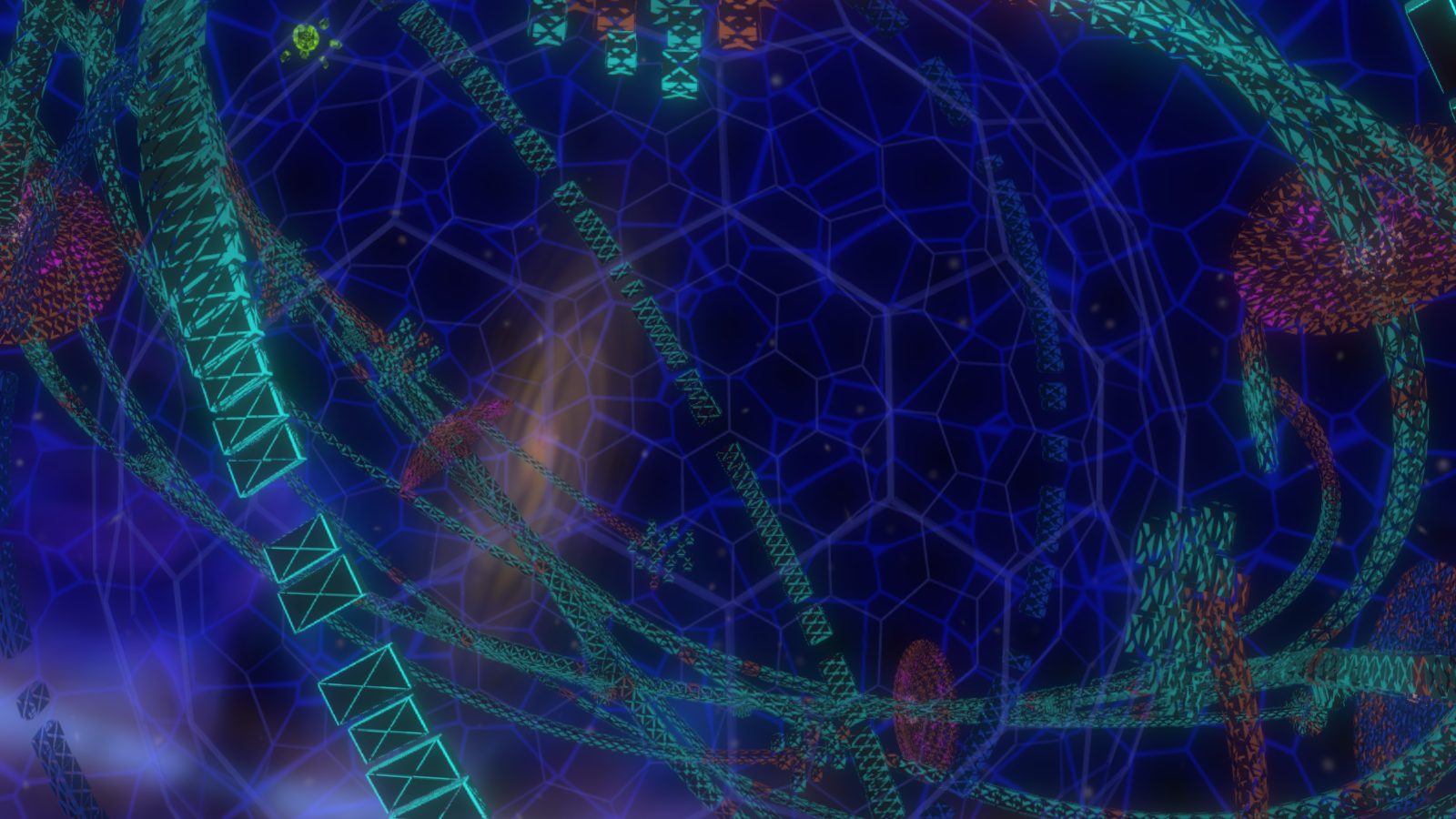
This is the same scene the screensaver runs, drawn live in your browser. Press V inside it to switch between the wide view and the close-up. Want it on a TV or a Linux PC? Open it full screen in any browser.
For Windows 10 and 11 (64-bit). A 1.3 MB zip.
Version 0.1.0 · early build, not code-signed yet
The Mac screensaver is on its way. Until then, the full-screen preview runs in Safari.
Linux, a Chromebook or a spare screen: open the preview full screen and leave it running.
Older versions and checksums are on the releases page.
CosmicShore.scr into C:\Windows\System32Windows asks for administrator permission: click Continue. Screen Saver Settings only lists screensavers kept in that folder. Right-click → Install from anywhere else picks it once, but it drops out of the list as soon as you choose another.This early build is not code-signed yet, so Windows shows a blue warning the first time it runs. Click More info, then Run anyway. Some antivirus programs are wary of unsigned screensavers too. A signed build comes later, and the warning goes away with it.
No. The screensaver is a separate download that runs on its own: no game, no account and no internet. It sends nothing anywhere.
Yes. In the extracted folder, right-click CosmicShore.scr and choose Test. Move the mouse or press any key to leave. Double-click it to open its settings.
In Screen Saver Settings, click Settings… to choose the frame rate, which screens it runs on, and the wide or close-up camera.
It is built to be light. It draws 30 frames a second by default, uses the power-saving graphics chip where there is one, and stops when you come back.
The screensaver draws with Microsoft Edge WebView2, which comes with Windows 11 and nearly every Windows 10 PC. If yours is missing it, the screensaver offers Microsoft’s download page.
Pick another screensaver (or None) in Screen Saver Settings, then delete C:\Windows\System32\CosmicShore.scr. To remove its settings too, delete the Froglet\CosmicShoreScreensaver folders in %APPDATA% and %LOCALAPPDATA%.